A week ago we posted on
a hack to install the Google Play Store and Google Play Services in Microsoft’s Windows Subsystem for Android (WSA) for Windows 11.
That allows access to a much wider range of Android applications, vs the very small 50 app limited selection from the Amazon App Store.
That process was pretty convoluted, however, including requiring the use of a Linux environment on Windows. Now the same team has created a somewhat simplified process using GitHub Actions to customize the WSA.
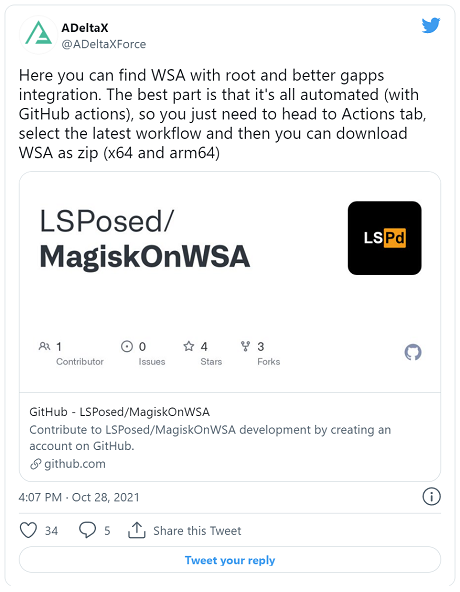
The new procedure reads:
1. Fork this repo
2. Go to Action tab and select workflow
Magisk, click the run button and enter the needed infomation (magisk apk download link)
3. Wait for the action to complete and download the artifact
4. Uninstall WSA
5. Unzip the artifact
6. Enable developer mode on Windows
7. Open PowerShell with admin privileges and run
Add-AppxPackage -Register .\AppxManifest.xml under the unzipped artifact directory
8. Launch WSA and enable developer mode, launch the file manager, and wait until the file manager
popup
9. Run
adb connect localhost:58526 to connect to WSA and install Magisk app (the one you
use to build) and launch it
10. Fix the environment as Magisk app will prompt and reboot
11. Enjoy by installing Riru and LSPosed
Read all the disclaimers and latest instructions at GitHub
here.
source

